No uploads
Your audio is processed directly on your Mac.
Tonekai / macOS app
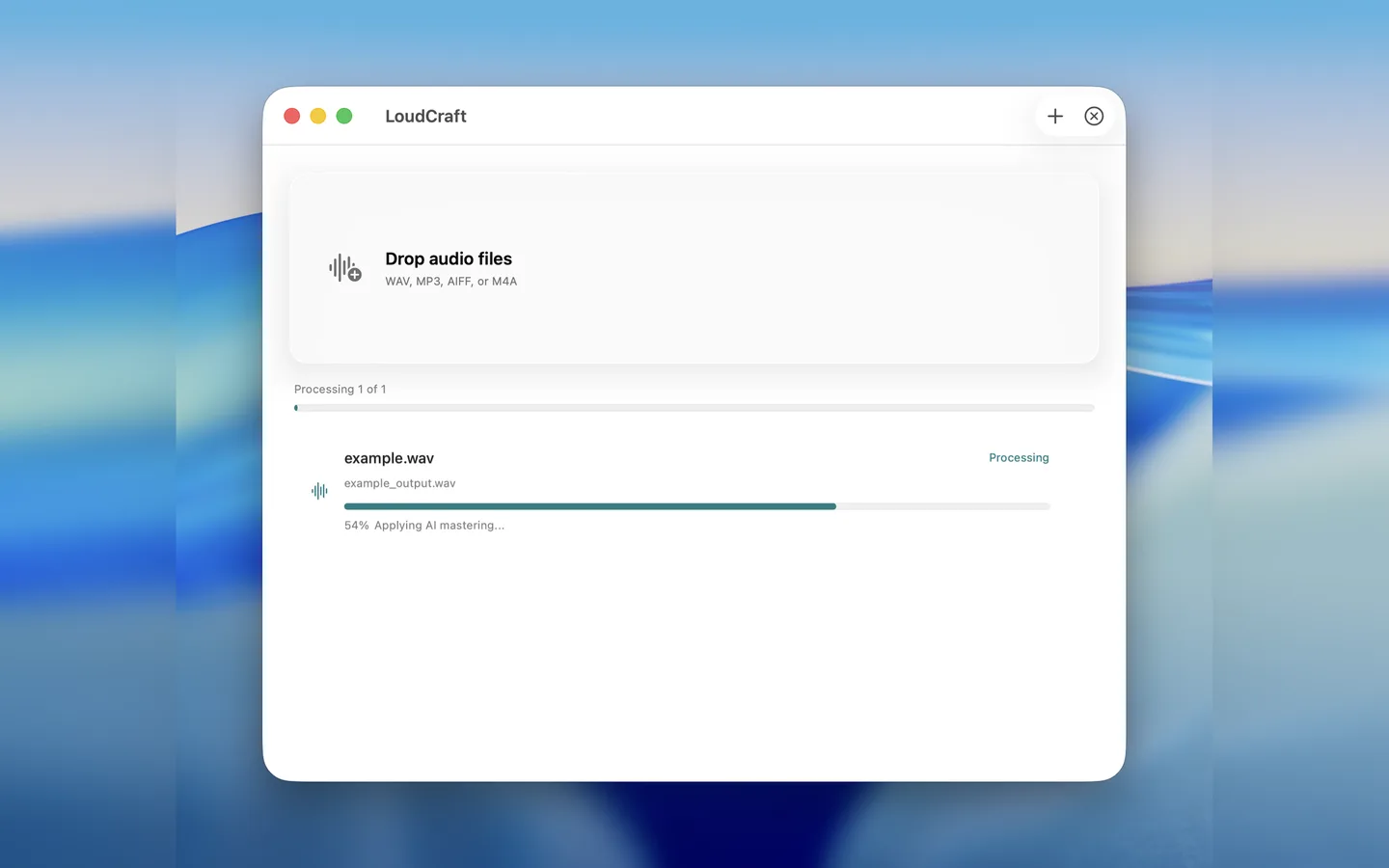
Drop in a track, let Tonekai master it automatically, and compare the result before exporting. No uploads. No subscription. Free to try.
Free to try / Export with Pro Unlock
Before / After
Tonekai analyzes your audio directly on your Mac and applies automatic mastering for a louder, more balanced result. Listen to the before and after examples below.
Workflow
Why Tonekai
Your audio is processed directly on your Mac.
Export is available with a one-time Pro Unlock.
Master your track without complex parameters.
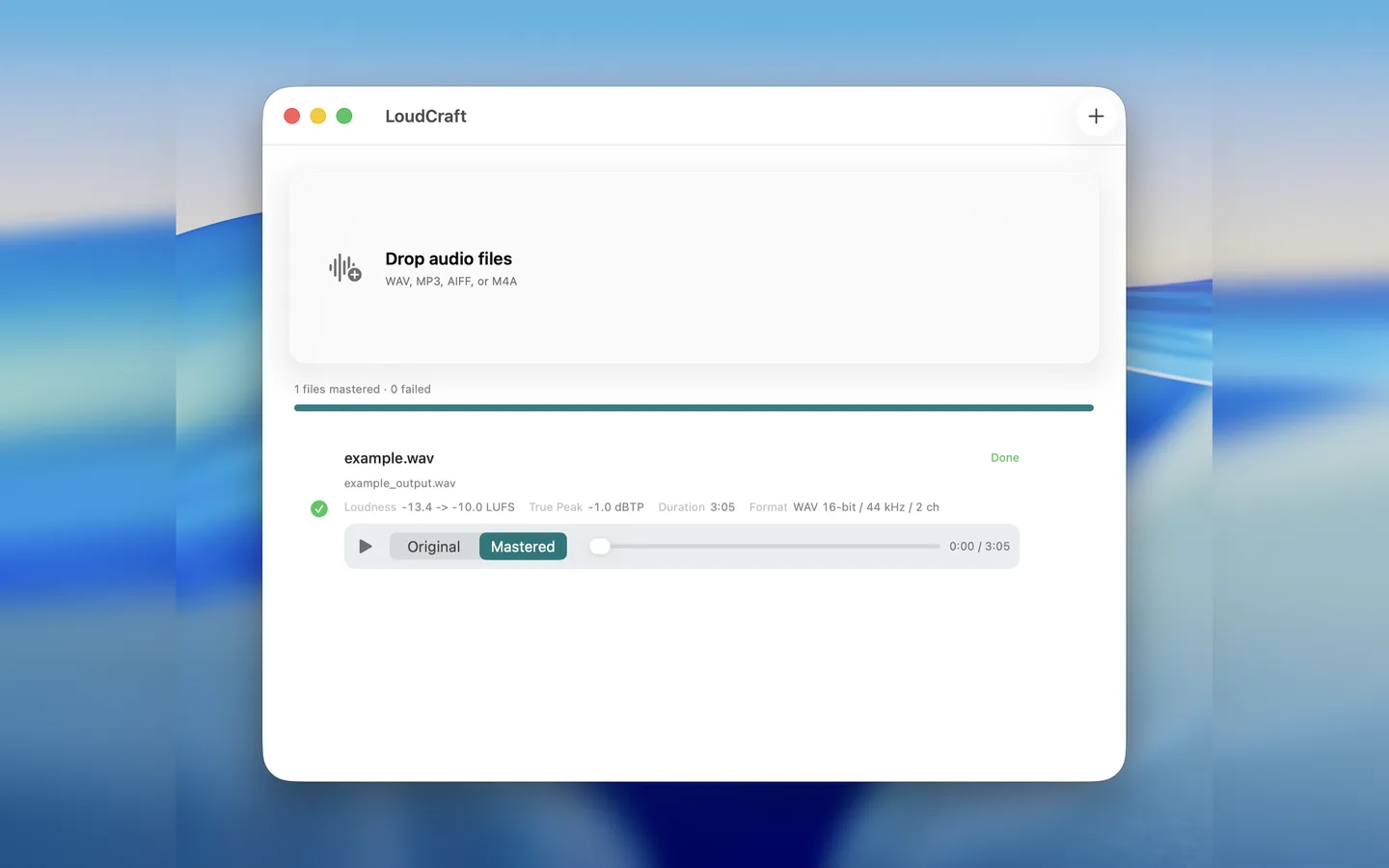
Compare Original and Mastered before exporting.
Built as a native Mac app for Apple Silicon.
The app does not collect user data.
Pro Unlock
Tonekai is free to try. With Pro Unlock, you can export mastered files, choose WAV or AAC output, and master unlimited tracks with a one-time purchase.
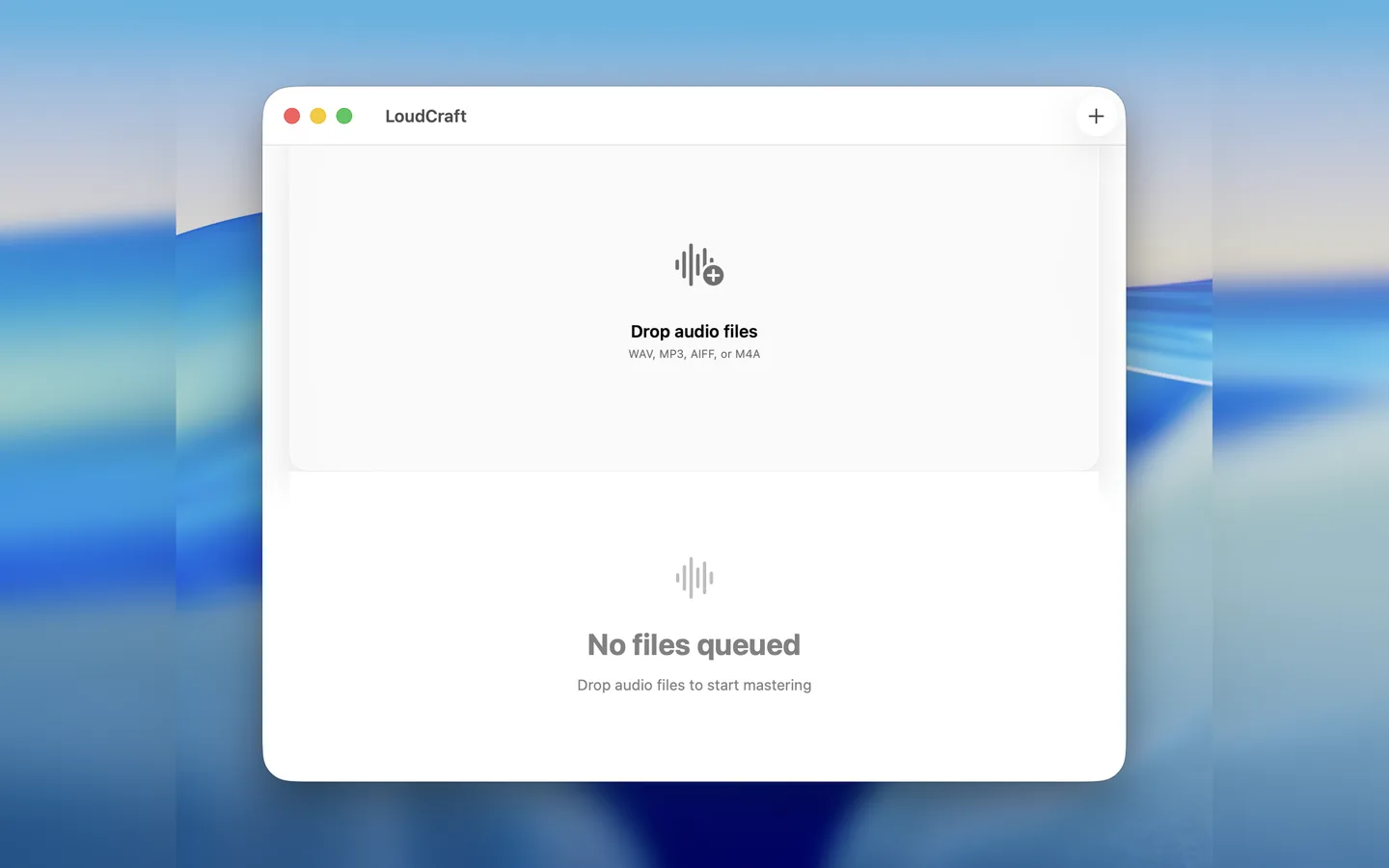
Screenshots
FAQ
You can try mastering and audition the result for free. Export requires Pro Unlock.
No. Tonekai processes audio directly on your Mac.
No. Pro Unlock is a one-time purchase.
Tonekai requires macOS 14.0 or later.
With Pro Unlock, you can export WAV or AAC files.
Yes. Tonekai is suitable for AI-generated tracks, demos, and release preparation.
Download
Audition the result on your Mac, then export with Pro Unlock when you need it.